

FollowTok
See who doesn’t follow you back on TikTok
FollowTok compares your TikTok Following and Followers lists on your own device and shows you exactly who never followed back — plus who unfollowed you since your last check.


Free to load both lists and see the exact number. Or check them by hand — here is how.
The problem
TikTok will not compare your two lists
Following is one tab. Followers is another. They can never be shown together, there is no count of one-way follows anywhere in the app, and checking an account means opening its profile and reading a button.
~10 sec
per account, by hand: open the profile, read the button, go back, find your place again.
1 hour
of uninterrupted tapping to check roughly 500 accounts inside TikTok.
0
counts, filters or indicators that tell you who never followed back.
How it works
Three steps, one answer
Step 1
Connect your account
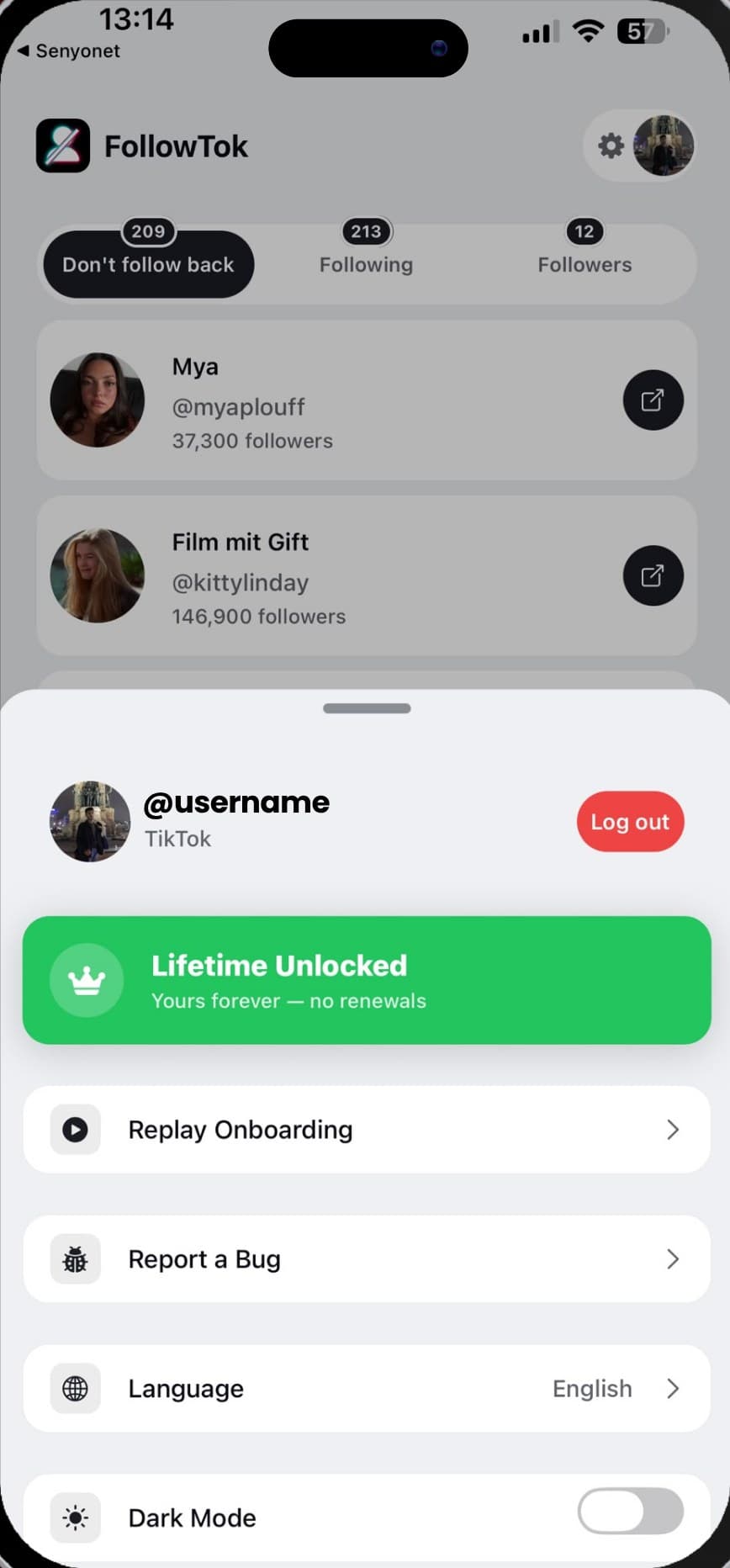
You sign in to TikTok inside the app, on your own phone. FollowTok never asks for your password on a website and never sends it anywhere — the session it uses stays on the device.
Get the AppStep 2
Let it read both lists
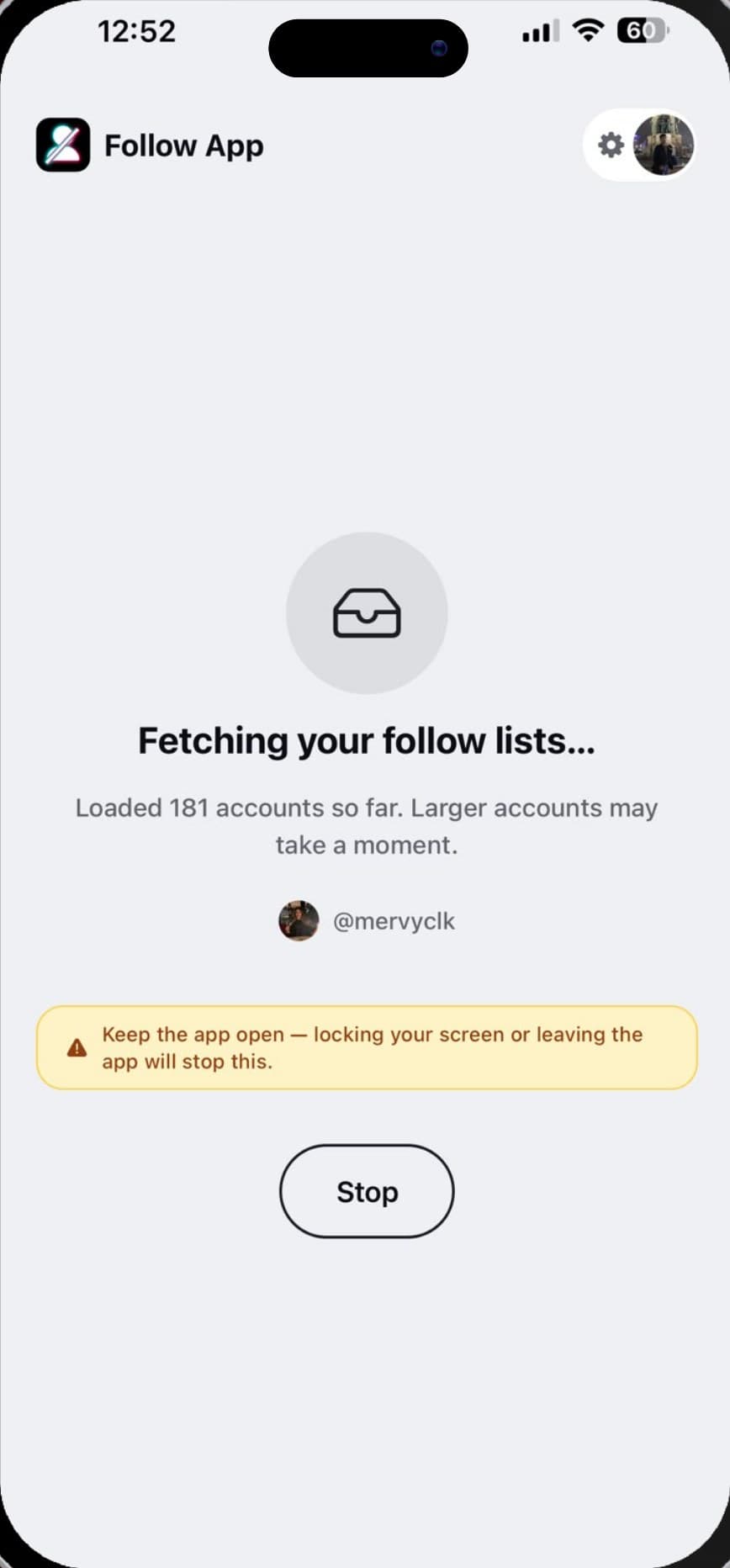
It pages through everyone you follow and everyone who follows you. Large accounts take a minute; the counter tells you how far it has got, and the comparison happens on the phone rather than on a server.
Get the AppStep 3
Read the difference
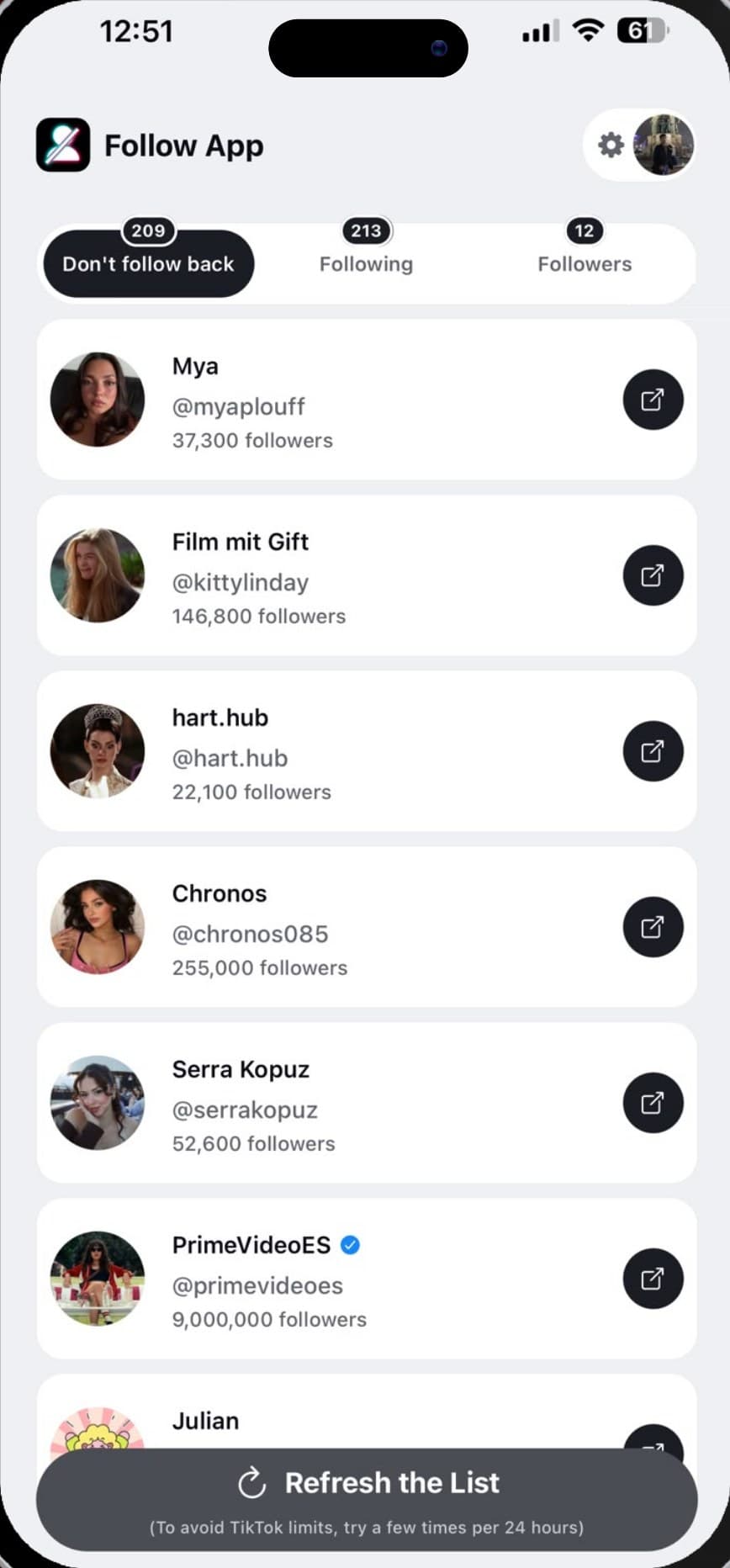
Three tabs: the people who do not follow you back, your full Following list, and your full Followers list — each with display name, @username and follower count, and each account one tap from opening in TikTok.
Get the AppHighlights
Everything the app tells you
One-way follows, named
Not a number — the actual accounts. Photo, display name, @username and follower count for every person you follow who never followed you back.
Refresh to catch changes
Run it again next week and the list is rebuilt from live data. Anyone who quietly dropped you since the last check shows up in the difference.
Your whole Following list, readable
TikTok's own list is an endless scroll with no counts and no order you control. Here it is one screen you can actually get to the bottom of.
Nothing leaves the device
Your session and both lists are held on your phone. Let the comparison finish, turn on airplane mode, and it is all still there — because it never went anywhere.
Why bother
What knowing actually gets you
Find out who never followed you back, instead of scrolling two lists and trying to hold them both in your head.
Notice the people who dropped you — TikTok tells you your follower count fell, never whose name left the list.
Decide with the profile in front of you: every account opens in TikTok in one tap, so you are judging the account, not a username.
Sign in on your own device, with no password handed to a website that promises to be careful with it.
Features
Your follow graph, finally readable
The complete one-way list
Everyone you follow who does not follow you back, by name — not a count, and not a sample.
Both lists, side by side
Following and Followers are loaded in full and compared on your phone, so the answer is your account's real data.
Unfollowers on every refresh
Refresh and the list is rebuilt from live data. Anyone who left since the previous check turns up in the difference.
On-device by design
Login happens on your phone and both lists stay there. We never see your account and never ask for your password.
Straight to the profile
Follower counts and verified badges in the list; one tap opens the account in TikTok so you can look before you decide.
Paced for TikTok
Requests are spaced out and the fetch backs off when TikTok throttles, so a refresh finishes cleanly instead of failing halfway.
Guides
How TikTok follows actually work
Plain answers to the questions people ask before they check — written from the app's own experience of what TikTok does and does not make available.
Start here
Who doesn’t follow you back on TikTok
The complete walkthrough: the manual check, where it stops working, what an app can tell you, and how to read the result.
How to see who unfollowed you on TikTok
TikTok tells you your follower count dropped and never whose name left. Here is what the app can and cannot show you, the manual method that actually works, and why a tracker only sees changes from the day you start.
Where to find your Following and Followers lists on TikTok
Both lists live behind the counts on your profile. Here is how to open them, what each one does and does not show, why they are so hard to read to the end, and what TikTok deliberately leaves out.
Why your TikTok following or follower list won’t load
A list that stops partway, a count that never matches, a refresh that returns nothing: every common cause, what each one looks like, and the order to work through them.
Does TikTok notify someone when you unfollow them?
No notification is sent — but that is not the same as invisible. Here is exactly what the other person can and cannot see when you stop following them, and how people find out anyway.
Ghost followers on TikTok: what they are and how to spot them
Why your follower count drops overnight, what a ghost follower actually is, how to recognise one in your own list, and why chasing them is usually the wrong thing to spend an evening on.
Pricing
Free to check, premium for the whole list
Free
Free
forever
Enough to see where your account actually stands.
- Full Following and Followers lists
- The exact number who do not follow you back
- 2 of those accounts shown by name
- Open any account in TikTok
- Runs entirely on your device
Premium
$19.99
one-time, or $4.99/week
For when the number alone is not the answer.
- Everything in Free
- Every one-way follow named, however many
- Catch unfollowers on every refresh
- Priority follower comparison
- Priority support
Full breakdown on the pricing page.
FAQ
Questions, answered
Does TikTok show you who doesn’t follow you back?
Is signing in safe?
Does FollowTok unfollow anyone for me?
Can it tell me who unfollowed me?
How much of it is free?
Is FollowTok affiliated with TikTok?
More in the full FAQ.

Find out where you stand
Load both lists, see exactly how many accounts never followed you back, and read the names. The comparison runs on your phone and costs nothing to start — 2 accounts are named on the free tier.